.png)
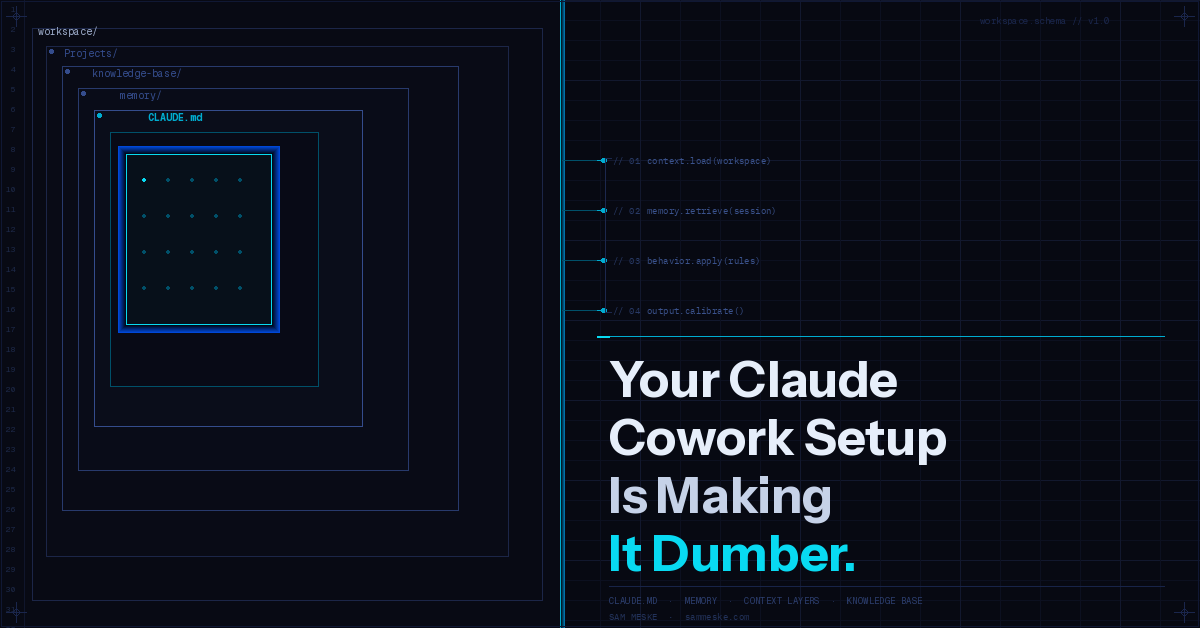
Your Claude Cowork Setup Is Making It Dumber
A practical guide to CLAUDE.md, scoped context, memory logs, and knowledge bases so Claude starts each session with real situational awareness.
Most people open a new Claude session, paste their question, and wonder why the output feels generic. The problem usually isn’t the prompt. It’s that Claude has no idea who you are, what you’re building, or what “good” looks like for your work.
I spent a few weeks structuring my Claude Cowork space from scratch — folder architecture, system instructions, memory files, project-level context, a knowledge base. Here’s exactly what I built and why it matters.
The core problem: Claude is stateless without you
Claude doesn’t remember your last session. It doesn’t know your role, your standards, your projects, or your voice unless you tell it — every time, or in a way that persists.
Most people solve this with longer prompts. That’s the wrong fix. A longer prompt every session is friction that compounds. And it still doesn’t give Claude the layered context it needs to make good judgment calls.
The better fix is a structured workspace that does the remembering for you.
Start with a CLAUDE.md: the most underused feature in Cowork
CLAUDE.md is a file Claude reads automatically at the start of every session in that folder. It’s your standing instruction set — not a prompt you paste, but a permanent brief that loads in the background.
A good global CLAUDE.md answers three questions:
Who is the user? Not a bio — a working brief. Role, what they’re building, how they think about quality, what context is always relevant. Mine covers my healthcare AI product work, my agency (Vision Venture AI), my personal brand pillar, and credentials worth weaving in when relevant.
How should Claude behave by default? Voice rules, formatting preferences, what “done” looks like. Mine includes: direct and specific, no hype, short paragraphs, results-first structure. This means every draft Claude produces starts closer to publishable.
What should Claude always do or never do? Save final deliverables to the workspace folder, not just chat. Match context to the task. Don’t pad. These are the rails that keep every session on track.
One file. Loads automatically. Costs you nothing after setup.
Folder-level CLAUDE.md files: scoped context that stacks
Global context is a baseline. But a blog folder needs different defaults than a client delivery folder.
Folder-level CLAUDE.md files let you layer context without bloating the global one. When Claude opens a session in my Blog/Content Engine/ folder, it automatically loads the article workflow, voice rules specific to long-form content, the skills map for each content task, and what not to write. That context is irrelevant when I’m working in a client project folder — so it doesn’t load there.
The pattern is simple: global CLAUDE.md for identity and always-on rules, project-level CLAUDE.md for workflow, standards, and context specific to that work.
Think of it as system prompt inheritance. You write it once per folder, and every session in that folder starts with full situational awareness.
About Me file: give Claude the brief it can’t derive from conversation
A global CLAUDE.md covers instructions. An “About Me” file covers facts — the durable context that informs almost everything Claude does for you.
Mine lives at the root of my Cowork space. It includes:
- Current professional role and what I’m responsible for
- Companies and projects I’m actively building
- Audience I write and build for
- Credentials and proof points (not for ego — for grounding Claude’s output)
- Things I care about that affect how I want to work
This isn’t a one-time thing. Update it when your work changes. Claude is only as contextually aware as the information you give it.
Memory logs: close the loop across sessions
The built-in memory system in Cowork stores facts in markdown files under a memory/ directory. Each entry has a type — user, feedback, project, reference — and a description that gets indexed.
The feedback type is the one most people skip. It’s where you store corrections and confirmations: things Claude got wrong, things Claude got right that weren’t obvious, behavioral rules you’ve enforced. “Don’t summarize what you just did at the end of every response — I can read the diff.” That’s a real entry in my memory. I said it once. I never say it again.
Project memories track what’s actively in motion — who’s working on what, why a decision was made, what the constraint was. Because they include a date, they decay gracefully. The context that matters right now doesn’t get confused with the context that mattered six months ago.
Knowledge base: your LLM wiki
A knowledge base folder inside Cowork is a collection of reference documents that Claude can read when relevant. Not system instructions — reference material. Things like:
- Brand and voice guidelines
- Standard operating procedures
- Framework docs or methodology write-ups
- Glossaries of internal terminology
- Research or data you reference repeatedly
When Claude has access to this material, it stops inferring and starts reading. The difference shows up immediately in output quality — especially for anything domain-specific or terminology-heavy.
The practical format: markdown files organized by topic, with a short description at the top of each file so Claude can quickly determine relevance. Keep them updated. Dead reference material is worse than none — it creates confident wrong outputs.
Why this setup compounds over time
A well-structured Cowork space isn’t just about better outputs in session one. It’s about what happens over the following months.
Every time you correct Claude and save that feedback to memory, next session starts a step ahead. Every project that gets a proper CLAUDE.md runs faster than the last. Every knowledge base entry you add reduces the time you spend re-explaining things Claude should already know.
The ROI on setup time is asymmetric. I spent maybe four hours structuring my Cowork space. That four hours is now embedded in every session — as context load, as automatic behavior, as defaults that don’t require instruction.
Most people treat AI like a search engine: ask, get answer, close tab. The people who compound on AI aren’t prompting better. They’re building better context infrastructure.
What the setup actually looks like
For reference, here’s the structure I’m running:
Claude Cowork/
├── CLAUDE.md                  ← global identity + behavioral rules
├── About Me.md                ← durable context about Sam
├── memory/                    ← persistent memory files
│   ├── MEMORY.md              ← index
│   ├── user_role.md
│   ├── feedback_formatting.md
│   └── project_vva.md
├── knowledge-base/            ← reference docs Claude reads
│   ├── brand-voice.md
│   ├── healthcare-ai-context.md
│   └── terminology.md
└── Projects/
    ├── Vision Venture AI/
    │   ├── CLAUDE.md          ← VVA-specific workflow + skills map
    │   └── ...
    └── Personal Brand/
        ├── Content Engine/
        │   └── Blog/
        │       ├── CLAUDE.md  ← blog-specific rules + article workflow
        │       ├── pipeline.md
        │       └── articles/
        └── ...
Every folder has exactly the context it needs. Nothing more.
The honest takeaway
Claude is as useful as the context you give it. That’s not a limitation — it’s a design principle.
Setup takes time. But unstructured sessions cost time, every single session, forever.
Build the space once. Let it work.
If you’re working in Claude Cowork and want to compare setups, reach out — I’m curious what others have found worth structuring.